From a camera roll full of photos to the year you lived.
Smart Fill is AI that works through your camera roll on your phone and finds the photos that tell your year. You do not scroll for hours. You check the picks, swap any you like, and tap add.

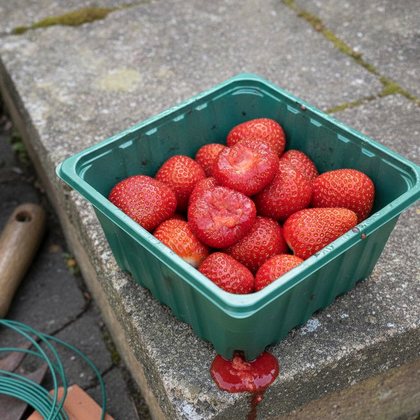

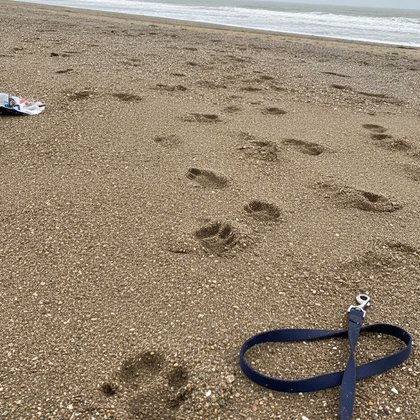

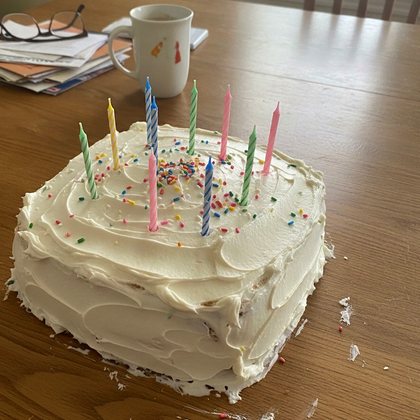
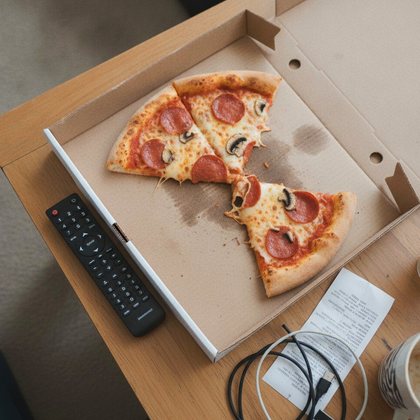
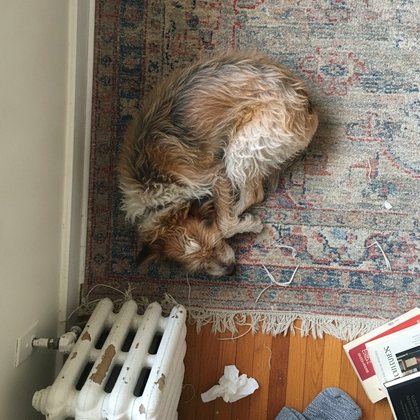
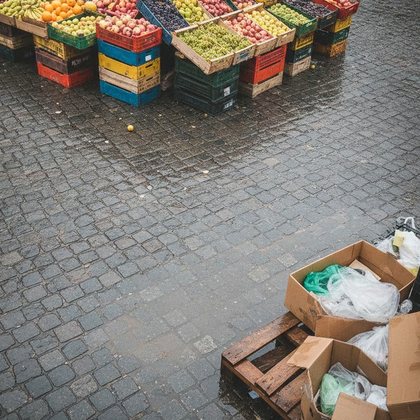

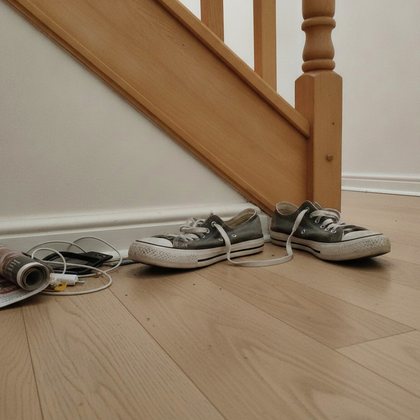



Four thousand photos. No evening to sort them.
A year of your life sits in your camera roll, between the screenshots, the receipts and the fifth try at the same sunset. You mean to go through it. The evening never comes. Smart Fill does the going through.
How it works.
Four steps. You make the first choice, then check the picks.
- Pick a period1
Choose what to look at.
A week, a month or a whole year. Allow access to your photos and Smart Fill starts.
- On your phone2
It goes through your photos.
On your phone. It leaves out what is not a keeper and picks the best photo for each day that has none yet.
- Swap or crop3
You check the picks.
One photo for each day. Hold any pick to see the others from that day, swap it, or crop it.
- Tap to add4
You tap add.
Only the photos you choose go into your photobook. The rest stay on your phone.
One pick for every day.
A whole year in dated squares, from the first of January to the thirty first of December. Smart Fill finds the photo for each one.







What it looks for, and what it leaves out.
Smart Fill uses machine learning that runs on your phone, plus simple checks on the picture itself. It does not know who anyone is. It only sees that a face is there.
It looks for
- Sharp, well lit photos.A clear picture in good light beats a blur in the dark.
- People who look like themselves.Faces, smiles and open eyes count in a photo's favour.
- Pets and parties.The dog on the sofa, the birthday table, the wedding.
- Days outside.Beaches, mountains, sunsets and a walk in daylight.
- Photos that sit well in a square.Photos in pym. are square, so it prefers pictures that crop well and centres the crop on the people.
- The photos you hearted.A favourite is not thrown out for a lookalike.
It leaves out
- Screenshots and screen recordings.The booking confirmation is not a memory.
- Near-identical shots.Ten photos of one moment become one.
- Too dark and too blurry.The black frame from your pocket stays in your pocket.
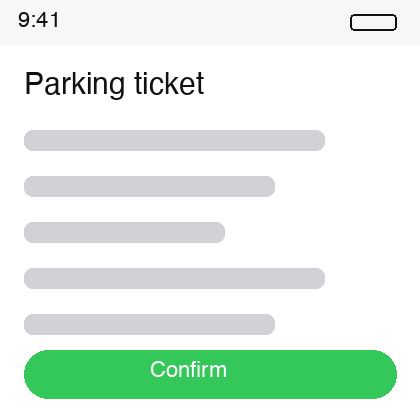
- Photos of text, documents and QR codes.The whiteboard, the form, the parking ticket.
- Photos already in pym.Smart Fill never suggests the same photo twice.
How Smart Fill decides.
Five steps, in this order. All of it runs on your phone, so your photos are not uploaded to be looked at.
- 1
Filter
It sets aside screenshots and screen recordings, and only looks at days that have no photo yet.
- 2
Check the basics
It checks the size of each photo and the time it was taken, and drops frames that are almost black.
- 3
Group
It groups photos by time and place, and folds near-identical shots into one.
- 4
Classify
For the best few photos of each day, models on your phone find faces and smiles, recognise things like pets and parties, spot text and QR codes, and measure sharpness.
- 5
Pick
It adds up the signals and picks one photo for each day. You check it, swap it or crop it.
These are machine learning models that run on your phone, plus simple rules. They do not recognise who anyone is, and they do not create pictures.
Cropped to the pym. square. Automatically.
Every photo in pym. is square. Smart Fill crops each pick for you, so you do not have to.


- Every pick, croppedEach pick is cropped to a square before you add it.
- Centred on the peopleIf it finds faces, it centres the square on them. With no faces, it crops from the centre.
- Yours to adjustHold a pick and tap Crop to change the crop yourself.
Every pick has a reason.
Smart Fill shows why it liked a photo, with a small label on each pick. You can always overrule it.
Beautiful light
Smart Fill likes photos taken in daylight, between ten in the morning and six in the evening.
Special day
Smart Fill spots parties, birthdays, weddings, festivals and other celebrations in the picture, and gives them this label.
Furry friend
Smart Fill recognises dogs, cats and other pets, and a pet in the picture earns this label.
Sharp and clear
Smart Fill likes a picture with plenty of pixels that is in focus.
The picks are a first draft. The last word is yours.
Hold any photo and see the others from that day. Swap in the one you prefer. Crop it if the square cuts off the wrong thing. Tap the ones you want, then tap add. Nothing goes in until you do.

A week, a month or a whole year.
Start small, or take on the whole year at once. You can go back as far as ten years.
A week
Last week's best moments, picked for you.
A month
Fill in the days you forgot to photograph.
A whole year
The year you lived but never sorted, one pick for each day.

Fill your whole year, or take a photo a day.
Your yearbook can grow two ways, and you can mix them. Take one photo a day as the year happens. Or let Smart Fill fill the days you missed from the photos you already have. Either way, the book is made when you are ready to order.

The same help for your holiday photos.
Smart Trip works the same way for a trip. Give it the destination and the dates. It finds the photos from that trip in your camera roll, picks the best of each day and leaves out the rest. The ones it did not pick are a tap away.
Your photos stay on your phone until you add them.
Smart Fill looks through your photos on your phone. Nothing is uploaded while it looks. A photo is only uploaded after you tap add, and only into your own private photobook. pym. has no ads and never sells your data. That is true for everyone.
To work out which country a photo is from, Smart Trip may ask your phone's maps service about a rough place. Your photos are not part of that.
Questions about Smart Fill.
A feature in the pym. app that goes through the photos on your phone and picks the best one for each day. You check the picks, swap or crop any of them, and tap add.
Yes. Smart Fill uses AI that classifies photos: it looks at each picture and judges whether it is a good keeper for that day. It runs on your phone, it does not recognise who anyone is, and it does not create pictures. You always have the last word.
No. Smart Fill works on your phone. A photo is only uploaded after you tap add.
No. Nothing is added until you tap add. You can swap or leave out any pick first.
Screenshots, near-identical shots, photos that are too dark or too blurry, photos of text and QR codes, and photos already in pym.
Yes. Hold the photo to see the others from that day and swap in the one you want. You can also crop it.
Both, and a month. Choose how much to look at. You can go back up to ten years.
Looking through your photos and previewing the picks is free. A photo you add for a day with no photo yet is free too. You see what a printed book costs before you confirm.
It is the same idea for a trip. Smart Trip uses the dates and place of your trip, and Smart Fill uses the days of your journal.
Those apps create highlights and slideshows for you to watch. Smart Fill is made for a different job: it picks one photo for each day so the photos can go into a printed book. You can swap any pick, and nothing is added until you tap add.
Yes. Smart Fill fills your journal with a photo for each day. The yearbook, and your other books, are made from that journal. Looking through your photos and previewing the picks is free, and you see what a printed book costs before you confirm.
Choose one strong photo for each moment, sharp and well lit. Drop near-duplicates, mix close ups with wider shots, and keep the ordinary days, because those are the pages people love later. Smart Fill does the first pass for you, so you start from a good pick for each day instead of a full camera roll.
We offer our technology to other companies as SaaS. If you want better photo selection, filtering or cropping for your product or your photo library, talk to our support team. Tell us what you need and we will take it from there.
How to pick the best photos for your year
The longer answers: how to choose photos for a photo book, how to build a year in review from your camera roll, and how to skip the scrolling.
How to choose photos for a photo book
Start with one strong photo for each moment. A book of forty good pages beats a book of two hundred that all look alike. Choose photos that are sharp and well lit, because a blur that passes on a phone looks worse on paper. Drop the near-duplicates: ten shots of the same sunset become one. Mix close ups with wider shots, so a page of faces is followed by a page that shows where you were. And keep the ordinary days. The coffee on the desk and the walk home are the pages people turn back to years later.
That is a lot of choosing when your camera roll holds a year. Smart Fill does the first pass. It goes through the photos on your phone, leaves out screenshots, near-identical shots and photos that are too dark or too blurry, and picks one photo for each day. You look at the picks, swap any you like and add the ones you want to keep.
How to make a year in review photo book from your camera roll
You do not need a photo for every day. Your year is already in your camera roll. Here is how to turn it into a book.
- Pick the period. Smart Fill looks at a week, a month or a whole year, and you can go back up to ten years.
- Let Smart Fill go through. It works on your phone and picks the best photo for each day that has none yet.
- Swap what you like. Hold any pick to see the other photos from that day. Swap it, or crop it if the square cuts off the wrong thing.
- Tap add. Only the photos you choose go into your photobook. Nothing goes in until you do.
- Order the book. The yearbook is made from your journal. You see the price before you confirm.
Start small if a whole year feels like a lot. A single month is a good way to see how the picks feel.
How to find your best photos without scrolling for hours
Scrolling takes so long because most of a camera roll is not worth keeping. Screenshots, the fifth try at the same shot, the black frame from your pocket, the photo of a parking ticket. Smart Fill leaves those out, so you never have to look at them.
- Screenshots and screen recordings.
- Near-identical shots, so ten photos of one moment become one.
- Photos that are too dark or too blurry.
- Photos of text, documents and QR codes.
What is left, it weighs up. It likes photos that are sharp and well lit, faces and smiles, pets, and celebrations such as birthdays and weddings. For each day you get one pick. Hold it to see the other photos from that day, and swap if you prefer another.